AI Halloween Costume Generator
Upload one photo and create a Halloween costume portrait while keeping the person recognizable. Your face, pose and background stay yours.
Create My LookOne photo · 1 credit per look · Sign in to create
Choose your Halloween look
Upload one clear photo, pick a costume, then choose the Photo Look you like. You stay you - only the costume changes.
JPG, PNG and WebP, up to 20 MB.
Large photos are automatically optimized before upload.
1 credit per look. If it fails or the photo does not fit the look, the credit is not used.
Six Halloween looks
Vampire, witch, ghost bride, cyber zombie, pumpkin devil and a pet Halloween costume. Pick the look that fits the photo you have.
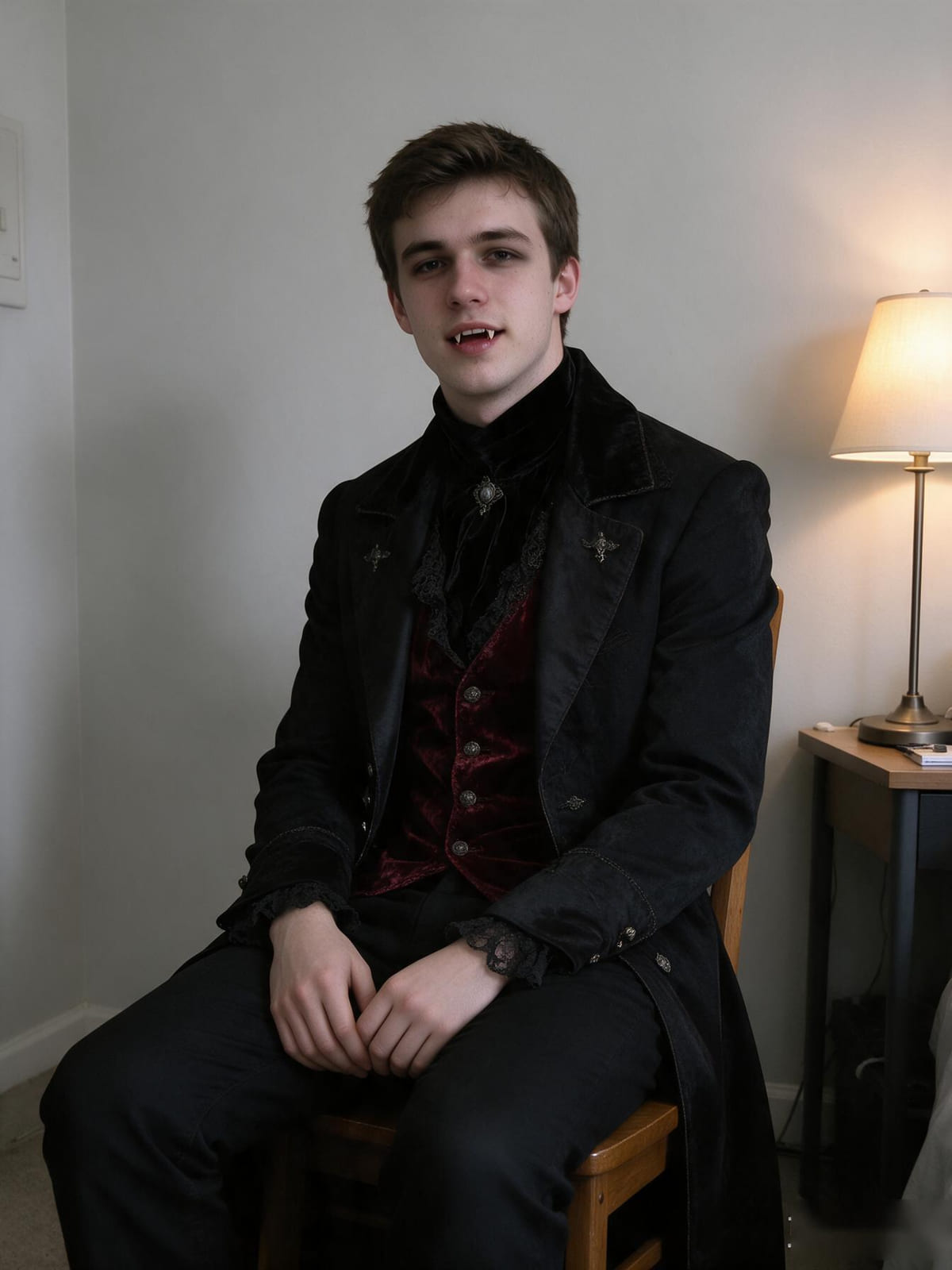 Vampire AristocratOne clear person
- Pumpkin DevilOne clear person
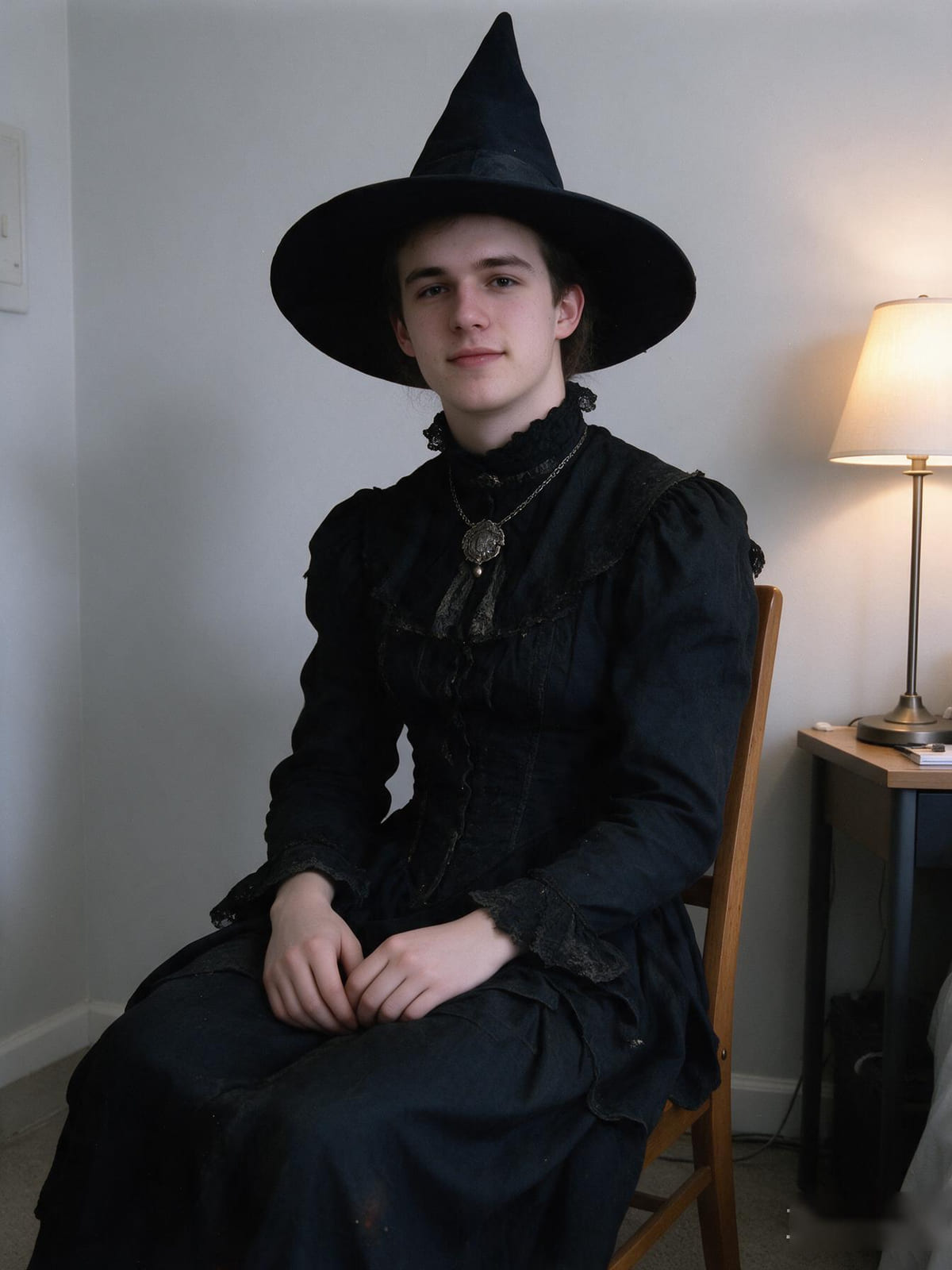 Vintage WitchOne clear person
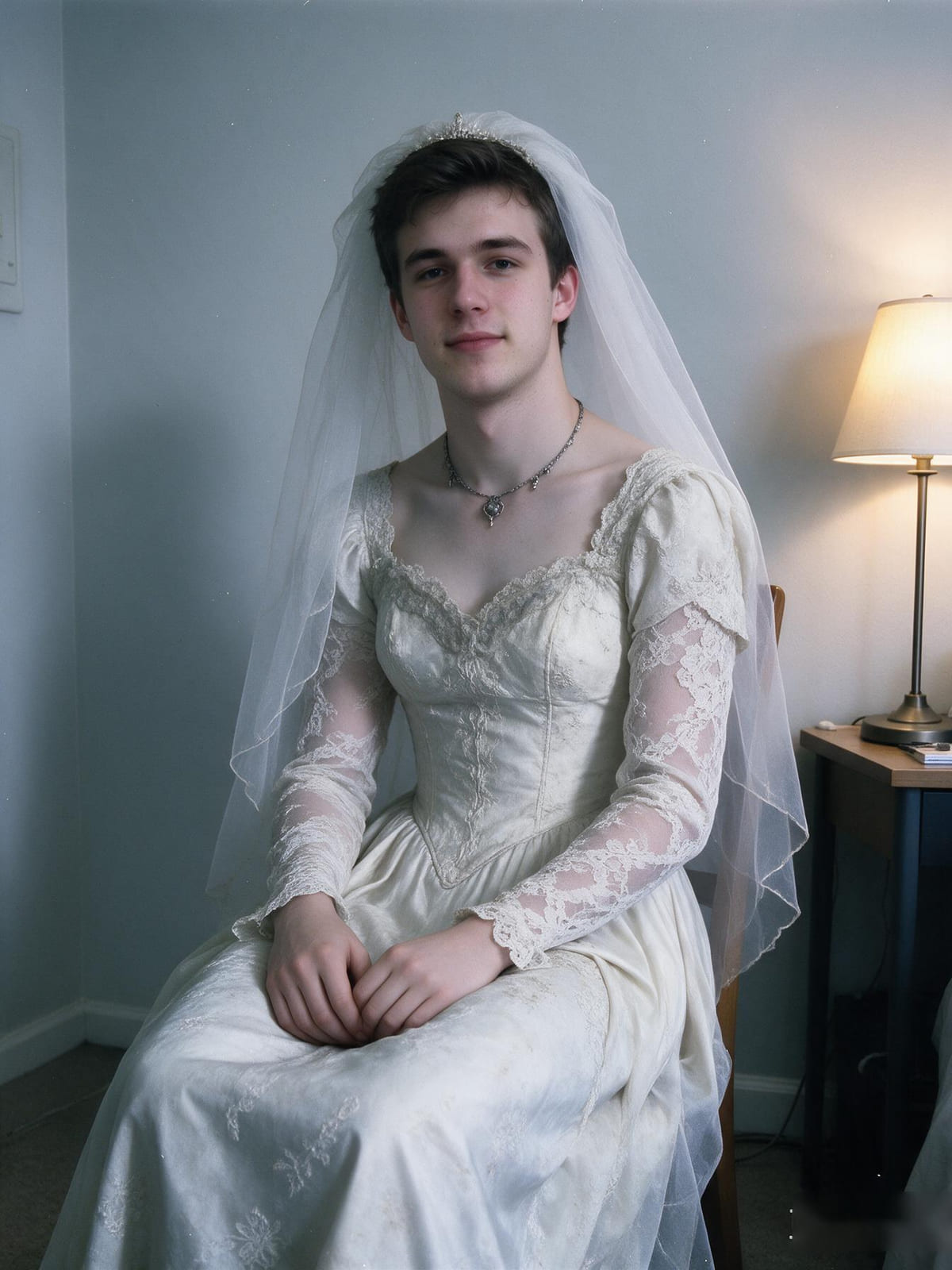 Ghost BrideOne clear person
- Cyber ZombieOne clear person
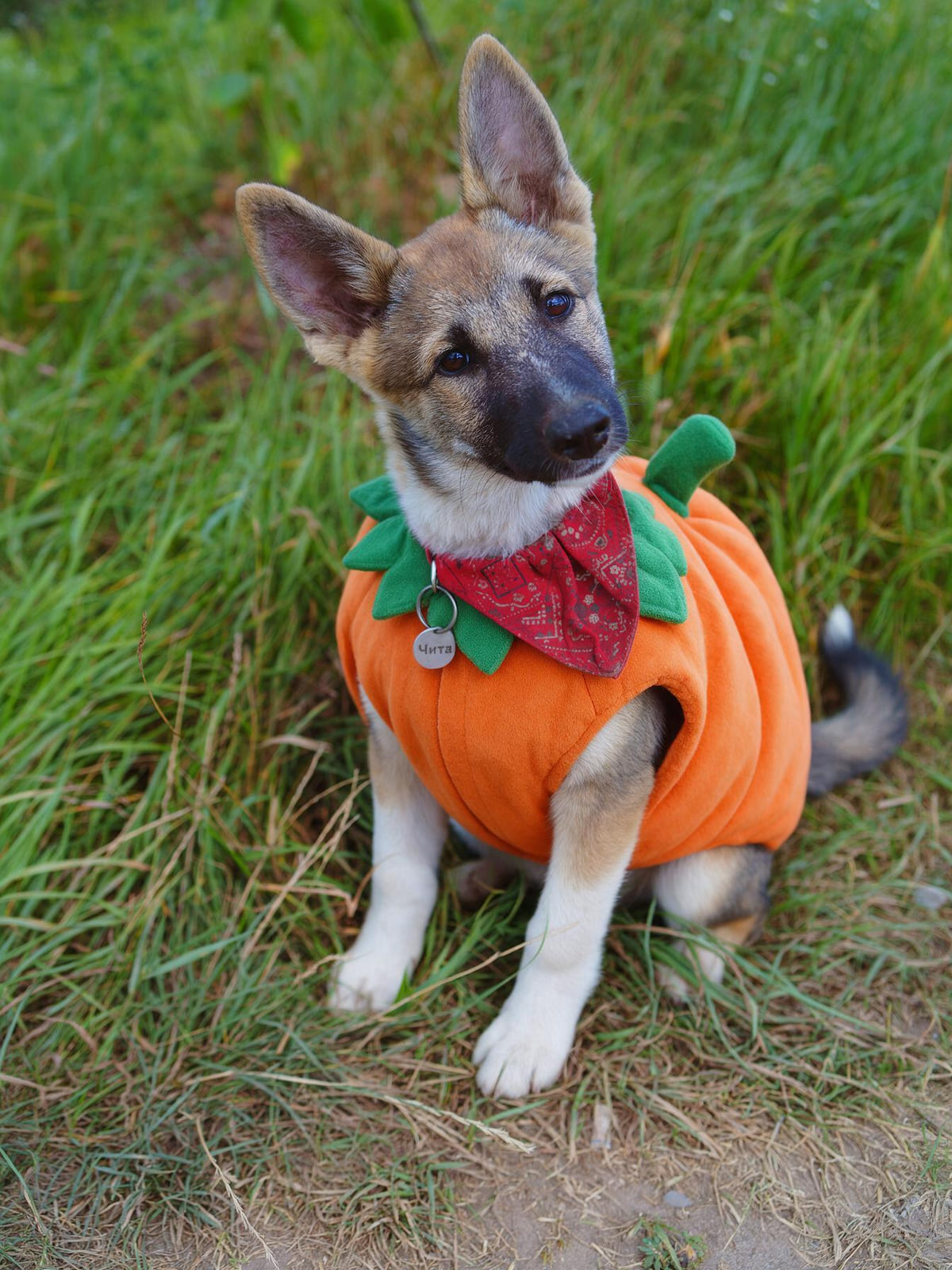 Pumpkin PetOne clear pet
How it works
- 1Upload your photoOne clear, well-lit photo of one person - or one pet for Pumpkin Pet.
- 2Choose your lookPick a costume. We check the photo fits it before anything is generated.
- 3Pick a Photo LookKeep the original photo look, or add 2000s Flash, 90s Film or Dark Analog.
- 4Create my lookOne look costs 1 credit. If it fails or takes too long, the credit is not used.
- 5Compare before and afterYour original photo and the costume version are shown side by side.
- 6Download or try anotherDownload the result, or come back to the costume picker with the same photo.
Halloween costume generator FAQ
What is an AI Halloween costume generator?
It is a tool that adds a Halloween costume to a photo you upload. You pick a look, the costume is generated over your own picture, and the result still shows the same person.
Can I use my own photo?
Yes. Upload one clear, well-lit photo of yourself - or of one pet for Pumpkin Pet - and the costume is built on that photo rather than on a stock model.
Can I create a Halloween costume for my pet?
Yes. Pumpkin Pet is a Halloween costume for one pet, so it needs a clear photo of one animal. The other five looks are made for people.
Will the result still look like me?
Yes. The costume is added over your own photo, and the prompt makes preserving your face, body, pose and background the highest priority.
How many photos do I need?
One. A single clear photo is enough for any of the six looks, and you can try another costume with the same photo without uploading again.
More Halloween tools
Same you. Different Halloween look.
Upload a photo, choose one of six costumes, and see the before and after.
Create My Look